What Are Instagram Presets?
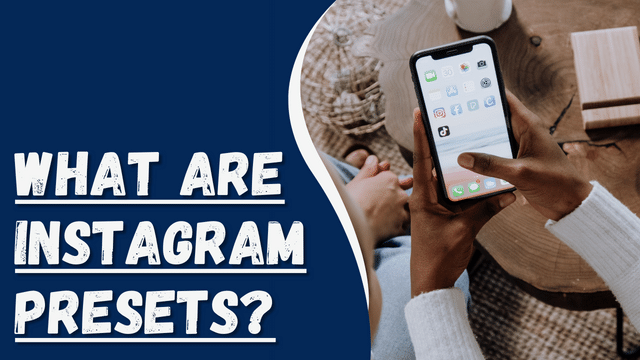
Have you ever stumbled upon Instagram profiles with breathtaking pictures and wondered how their content looks so cohesive and stunning? If so, you might be curious about the magic behind it – presets. Are you eager to learn what presets are and how they can elevate your content? Let’s delve into the details and shed light on this creative tool.
What Are Instagram Presets?
Instagram presets are essentially saved filters that you can apply to your photos before posting them on the platform. These presets offer a variety of editing options, allowing you to achieve your desired look for your images. You can save these presets on your personal computers, laptops, or mobile devices, making them easily accessible whenever you need them. Professional content creators often use the same or matching presets for different posts, creating a cohesive and visually appealing feed that can potentially attract more likes and followers.
Instagram itself provides its own set of presets for users to use on their posts. Additionally, there are free presets available online that you can utilize. Many brands also offer paid presets for those seeking higher-quality and more customized options. If none of the available presets suit your preferences, you can even create your own custom preset to achieve the perfect look for your content.
Why Should I Use Instagram Presets?
There are four crucial reasons why using Instagram presets can be beneficial:
- Improve Post Quality: Having good quality posts on your profile is essential for growth. Instagram presets can enhance the quality of your posts, making them more appealing to your audience. Engaging posts can attract more followers, leading to an increase in your audience.
- Save Time: Creating your own presets from scratch can be time-consuming. Using existing Instagram presets simplifies the editing process and saves you time. With just one click, you can apply the desired preset to your post.
- Strong Brand Identity: Consistently using similar and high-quality presets creates a strong brand identity for your profile. A solid brand identity can attract more likes and followers, making your account more recognizable and memorable.
- Attract New Followers: By streamlining the editing process with presets, you can focus on creating excellent content rather than spending too much time on edits. More attractive and visually appealing posts can help you gain new followers, expanding your audience.
Using Instagram presets is straightforward. Here are the steps:
- Download Adobe Lightroom on your mobile device or use the existing app.
- Obtain a (DNG) file for your desired preset. You can purchase presets or create your own by adjusting colors, tones, and effects in Adobe Lightroom.
- Import the (DNG) file into your Lightroom software by selecting the folder and clicking on “import.”
- Whenever you want to apply a preset to your photo, choose and upload the preset in Lightroom, and your picture will be transformed accordingly.
What Does “TB” Mean on Instagram
Conclusion
As you scroll through Instagram, you often wonder how certain posts look so unique and captivating. You may think there’s some magic involved, but the truth is, the secret lies in presets.
Presets, whether free or paid, are powerful tools that can transform your posts with just a few clicks. They allow you to effortlessly enhance your photos and make them stunning. Using presets is simple, and by following a few easy steps, you can create attractive and eye-catching posts.