Is Your Home Really That Smart? 5 Ways to Protect Yourself From Hackers
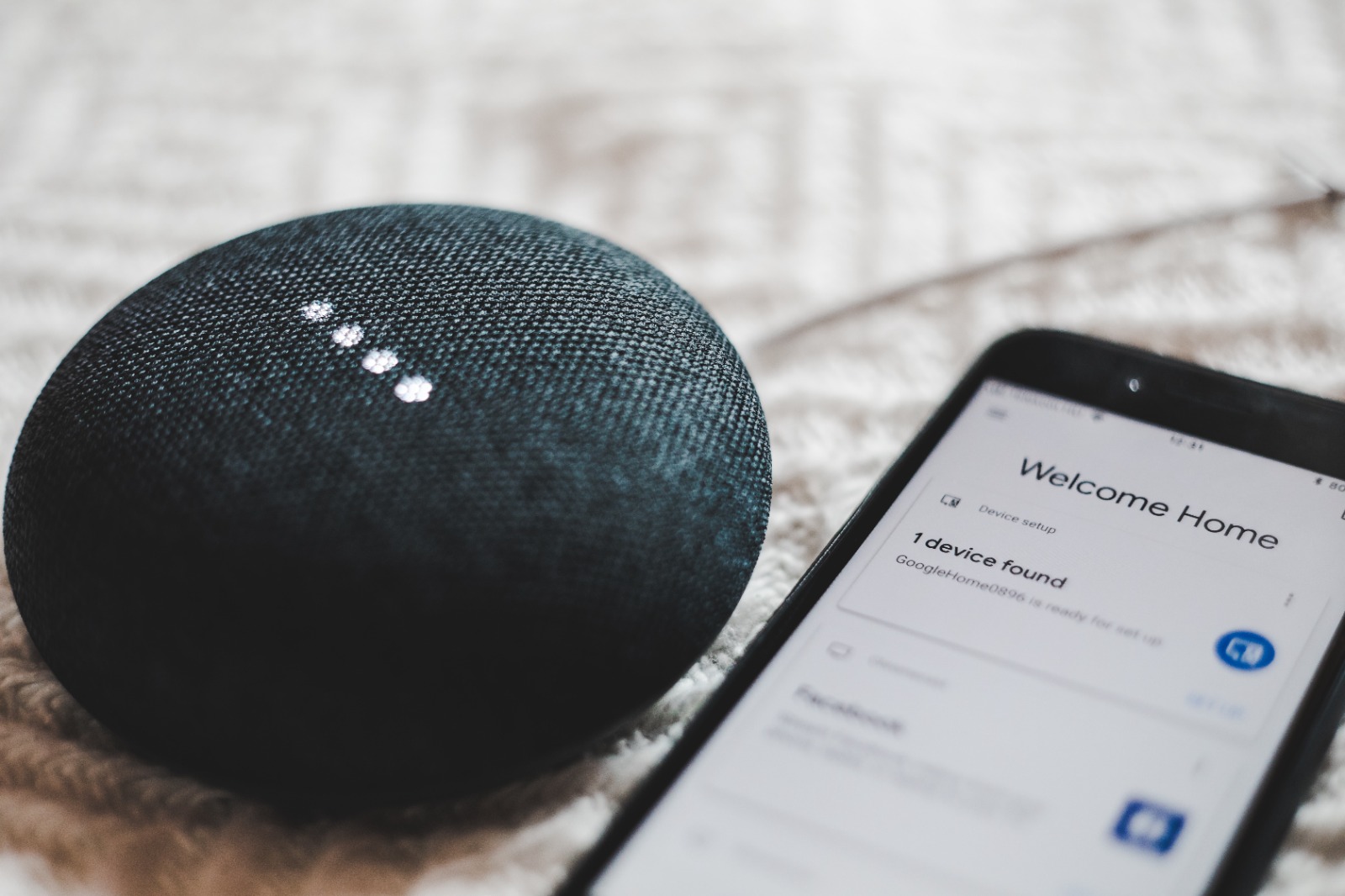
Nowadays, the majority of homes use some form of smart technology. It could be anything from your TV, thermostat, or security system to a simple-looking plug that automatically turns itself on or off.
While these technologies, often nicknamed the ‘Internet of Things’ (IoT), can help organize our lives and entertain us, this convenience comes at a price.
Unfortunately, smart technology often lacks robust security to protect itself from cyberattacks. Increasingly, hackers are targeting these devices to steal sensitive information about our lives and monitor our activity.
So, what can you do to protect your smart home from a security breach?
This article will teach you simple but effective ways of safeguarding technology around your home. You’ll discover what devices are most at risk from attack and learn simple ways of protecting them from the prying eyes of hackers.
What is at risk, and what can you do?
The main reason why smart technology is a divisive security issue is because the more gadgets and devices you have in your home, the larger your attack surface. Criminals have more opportunities and access points to attack you through.
Surprisingly, research has shown that the most vulnerable IoT devices are smart TVs (52%), smart plugs (13%), routers (9%), and DVRs (8%). Considering just how much information technology collects about us, we can appreciate how serious their security issue becomes.
So, how can you secure smart devices throughout your home? Below are some simple but effective ways:
- Secure your connections with a VPN
Whether it’s your security system, smart lamp, or media player, most IoT devices require constant access to the internet to work correctly. For that reason alone, one of the most effective ways of protecting devices is by protecting their connections through a virtual private network (VPN).
A VPN creates an ‘encrypted tunnel’ where data is sent and received in total privacy. No one, including hackers or your internet service provider, can monitor how many devices you have connected in your home and what they are doing.
Moreover, VPN tunneling helps keep sensitive information like your IP address from being discovered by websites and services your IoT devices might be communicating with. This adds another layer of anonymity to your online activity.
- Segment your network
One of the easiest ways of protecting your smart devices is by isolating them across different networks, thus creating a barrier. If one device is hacked, it is separated from your other devices, and malware won’t be easily transferable around your home.
Thankfully, segmenting your devices is also incredibly easy to do. Simply create a guest network through your router and connect selected IoT devices. Remember to put a password on the network to further protect it.
- Patch vulnerabilities by updating whenever you can
Despite their name, smart devices serve one or two specific purposes, with little room for additional hardware, computational power, or robust data security. Additionally, many devices use open-source code or third-party software, which can increase the chances of a vulnerability developing.
To keep your devices safe and secure with the latest security information and to patch potential security risks, you must keep devices updated. In most cases, you can update devices directly through the device’s app or by following instructions on the manufacturer’s website.
- Set strong passwords on devices and linked accounts
Passwords are the backbone of cyber security, especially with IoT devices and associated accounts. Whether your smart TV is connected to streaming platforms or security cameras to a surveillance company, you must password-protect accounts to prevent hackers from accessing devices via a browser.
The characteristics of a strong password include:
- Length: The longer, the better. Aim for at least 12 characters, and use upper and lowercase letters, symbols, and numbers.
- Unique: Passwords should be ‘significantly different’ from each other so that if one account does become compromised, other ones remain safe.
- Multi-factor authentication: MFA prevents unauthorized access to accounts by asking you to verify your identity an additional time upon login, either through a single-use code or an authenticator app.
- Password manager: If you struggle to keep track of passwords, a password manager can generate, encrypt, store, and enter strong codes for you.
- PIN Codes: If you work IoT devices through an app on your smartphone or PC, remember to set a strong password or PIN code for your device.
- Periodically backup your data and settings
We rely on smart devices for many things, including organizing our calendars and routines, tracking our fitness progress, keeping lists of our favorite programs, and so much more.
Part of great cybersecurity is being able to recover in a crisis. If hacked or your device becomes corrupted, you stand to lose so much information. Performing periodic backups of routines is highly recommended so that if, in the worst-case scenario, a device has to be reset, you can revert to all your previous settings with ease.