
Best Practices for Recording and Archiving Inspection Footage
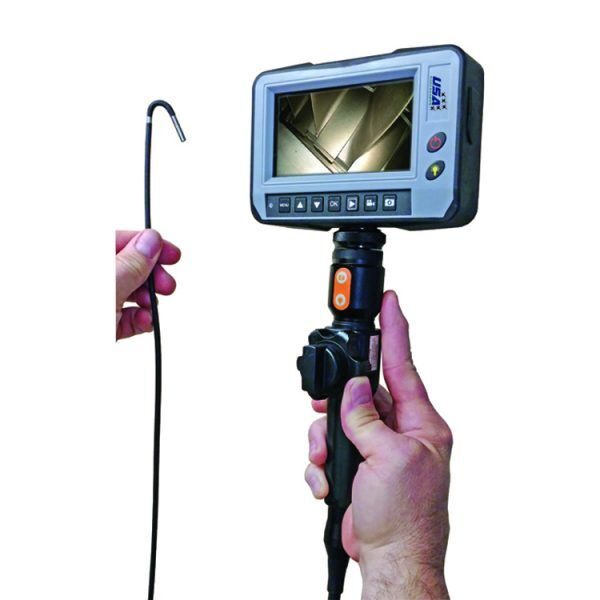
Every time you run a borescope inspection, you’re creating more than just a live view—you’re generating evidence. That evidence supports maintenance decisions, warranty claims, compliance documentation, training, and trend analysis. If it isn’t recorded and archived properly, you’re effectively throwing away a major part of the value of your borescopes and videoscopes.
Good recording and archiving practices turn one-off inspections into long-term assets. Done well, they make it easier to justify decisions, compare current conditions to past inspections, and bring engineers or OEM representatives into the conversation—even if they weren’t there when the scope was in the asset.
Contents
- 1 Start with a clear recording plan
- 2 Capture high-quality, usable footage
- 3 Name and organize files properly from day one
- 4 Store footage securely and accessibly
- 5 Make footage easy to find and compare
- 6 Protect integrity and traceability
- 7 Use professional support to keep tools and workflows aligned
- 8 Turning inspection footage into a long-term asset
- 9 About the Author
Start with a clear recording plan
Decide what must be recorded
Not every second of live video needs to be stored, but your organization should be clear on what is non-negotiable. For example:
- All findings: cracks, corrosion, FOD, pitting, coating loss, unusual wear.
- Representative “clean” areas for baseline comparison.
- Before/after views where on-the-spot cleaning or blending is performed.
Defining minimum recording expectations by asset type helps technicians know what to capture, instead of leaving it up to guesswork. Across aviation, power generation, oil and gas, and other inspection-heavy industries and applications, this kind of structure is becoming standard.
Standardize perspectives and sequences
If every technician records footage differently, comparing inspections over time becomes difficult. Create simple guidelines for:
- Order of locations (e.g., Stage 1–N, by clock position).
- Required views (leading edge, trailing edge, platform, tip, liners, welds).
- When to record video vs. still images.
Consistency is what makes historical footage truly useful.
Capture high-quality, usable footage
Prioritize clarity over quantity
More footage is not always better. A few clear, well-framed clips and stills are worth more than an hour of shaky, poorly lit video. Train technicians to:
- Stabilize the probe before hitting record.
- Adjust lighting to avoid glare and deep shadows.
- Hold defect views steady for several seconds.
The goal is to make footage easy to interpret later, even for someone who wasn’t present during the inspection.
Use on-screen annotations where available
If your videoscope supports annotations or overlays, use them to add:
- Stage or section ID.
- Clock position.
- Asset ID or serial number.
Even simple labels save time when engineers or auditors review footage and want to know exactly where each clip was taken.
Name and organize files properly from day one
Adopt a clear naming convention
A well-designed file naming convention saves enormous time later. At minimum, include:
- Asset or engine ID
- Date (YYYY-MM-DD)
- Inspection type (routine, FOD check, follow-up, post-repair)
- Location or system (e.g., “HP-Turbine,” “Combustor,” “Gearbox”)
For example:
ENG1234_2025-10-18_Routine_HP-Turbine.mp4
Having this structure agreed across your organization prevents chaos when footage volumes grow.
Separate raw captures from curated sets
Keep all original footage in a secure archive, but create curated sets for:
- Engineering review
- Customer or OEM reporting
- Training examples
This avoids cluttering working folders with every raw clip, while still protecting the full record if you need to revisit something later.
Store footage securely and accessibly
Centralize storage
Scattered USB drives and SD cards are a recipe for lost data. Wherever possible, centralize storage on:
- A secure server
- An approved cloud platform
- A dedicated inspection data system
The key is making sure footage lives in defined, backed-up locations—not on someone’s laptop that might disappear or get wiped.
Build in redundancy and backups
Inspection footage often supports high-value decisions, warranty cases, and safety-related investigations. Treat it accordingly:
- Use regular automated backups.
- Replicate critical archives to a secondary location.
- Periodically verify that you can restore and play older files.
If footage only exists in one place, it’s vulnerable—especially over multi-year asset lifecycles.
Make footage easy to find and compare
Use metadata and indexing
Where possible, add metadata fields or index entries that capture:
- Asset ID and location
- Date and operating hours/cycles
- Inspector name
- Findings or inspection outcome
Whether you use a simple spreadsheet or a dedicated system, searchable metadata dramatically speeds up finding “all inspections for this turbine over the last three years” or “last time we saw erosion on this stage.”
Link footage to work orders and reports
Integrate recording practices with your maintenance system so:
- Work orders reference where footage is stored.
- Inspection reports include direct links to files.
- Follow-up tasks can quickly reference prior visuals.
This connection turns files into a real part of your maintenance history, not just a disconnected pile of videos.
Protect integrity and traceability
Control who can edit or delete
To maintain trust in what the footage shows, you need clear control over:
- Who can upload
- Who can modify filenames, metadata, or notes
- Who can delete or archive files
In regulated environments, it may be essential to keep original files write-protected once they’re stored, with any edits or annotations logged separately.
Document your process
If you ever face an audit, warranty dispute, or investigation, a documented process for recording and archiving inspection footage is a major asset. It shows that:
- Recordings are handled consistently.
- Data hasn’t been casually altered or misplaced.
- Your organization takes visual evidence seriously.
Use professional support to keep tools and workflows aligned
Good recording and archiving isn’t just about IT—it depends on the health of your equipment too. If your videoscopes or recording modules are unreliable, everything downstream suffers. Professional inspection equipment services can help by:
- Evaluating and repairing borescopes and cameras when issues arise
- Confirming that recording functions and outputs meet your needs
- Advising on best practices for integrating footage into your broader workflow
Long term, this support helps you maintain both tool performance and data quality.
Turning inspection footage into a long-term asset
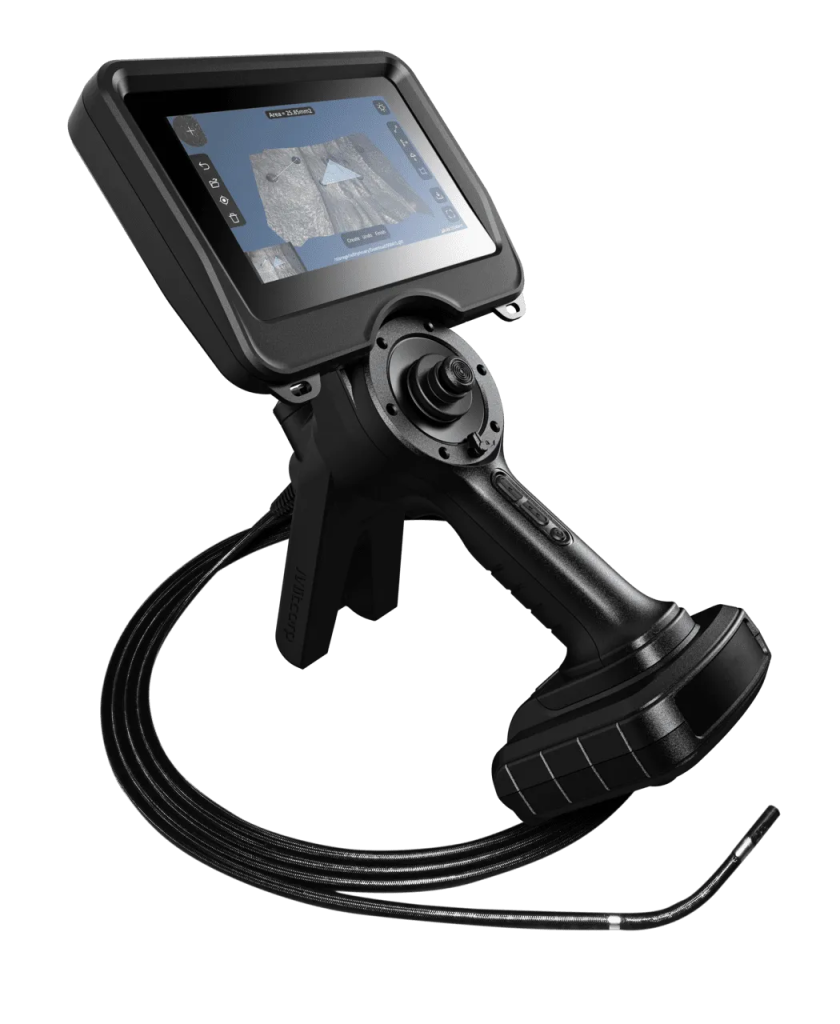
When recording and archiving are treated as core parts of the inspection process—not optional extras—your footage becomes a powerful tool. It supports better engineering decisions, stronger audit trails, more persuasive reports, and more effective training across the organization.
USA Borescopes focuses on remote visual inspection technology and understands how critical high-quality, well-managed inspection footage is in aviation, energy, manufacturing, and other demanding sectors. Their experience helping teams choose the right tools and integrate them into real-world workflows is reflected in the company’s background and values on the About Us page.
If you’re looking to tighten up how your inspection footage is recorded, organized, and used—or you want to align new borescopes with a more robust archiving strategy—it’s worth getting tailored advice from a specialist. To discuss your inspection programs and explore practical options for improving your recording and archiving practices, contact USA Borescopes today.
About the Author
This guest article was written by a technical content writer who specializes in inspection data workflows, remote visual tools, and maintenance documentation. They work with equipment manufacturers and asset owners to turn everyday inspections into structured, searchable records that improve decision-making, compliance, and long-term asset management.